Question
What must be considered when switching the device on and off?
Answer
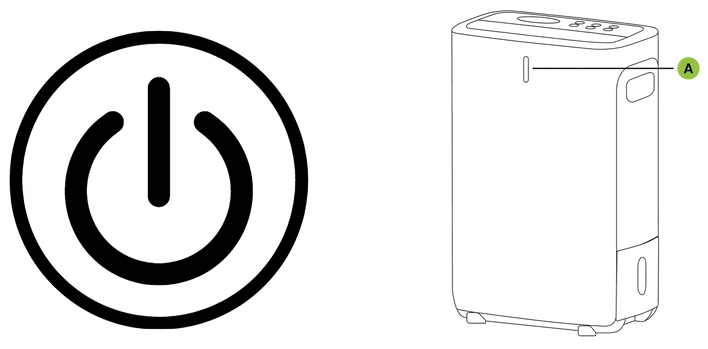
The device is connected to the power outlet. The device alarm sounds three times and the LED indicator (A) lights up white once. You can now press the POWER button to switch on the device. The display shows the current humidity level (%), and the LED indicator (A) lights up as described below.
LED Indicator | Room Humidity |
Blue | >60% |
Green | 40–60% |
Red | <40% |
To switch the device off again, press the POWER button once more.
Do you have any other questions that we have not yet been able to answer? No problem — our consulting team will be glad to assist you: contact ecofort.
Was this article helpful?
That’s Great!
Thank you for your feedback
Sorry! We couldn't be helpful
Thank you for your feedback
Feedback sent
We appreciate your effort and will try to fix the article